icarmap is a nifty tool that helps you create iRacing liveries in a matter of seconds. But why use icarmap instead of traditional livery creation methods?
Understanding iRacing templates
To understand why icarmap is so useful, it is important to consider how iRacing renders custom liveries.
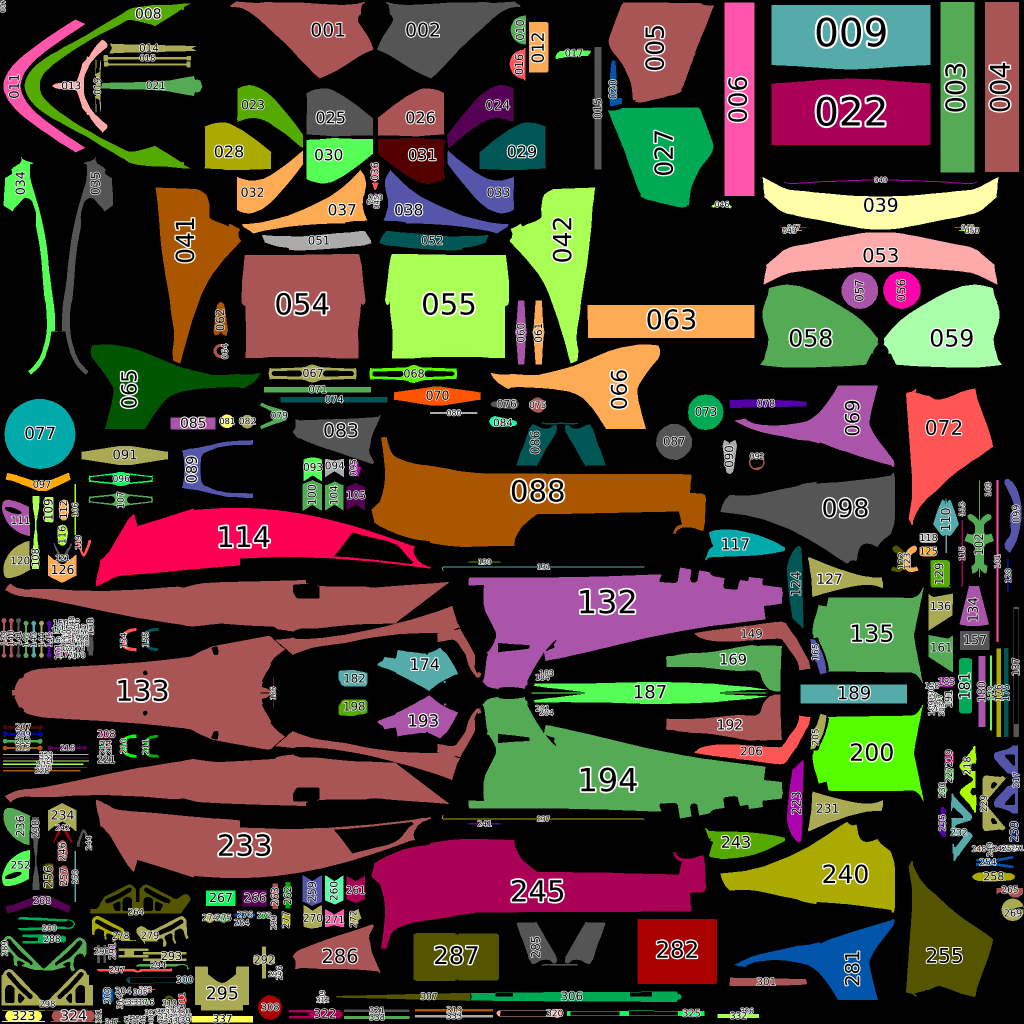
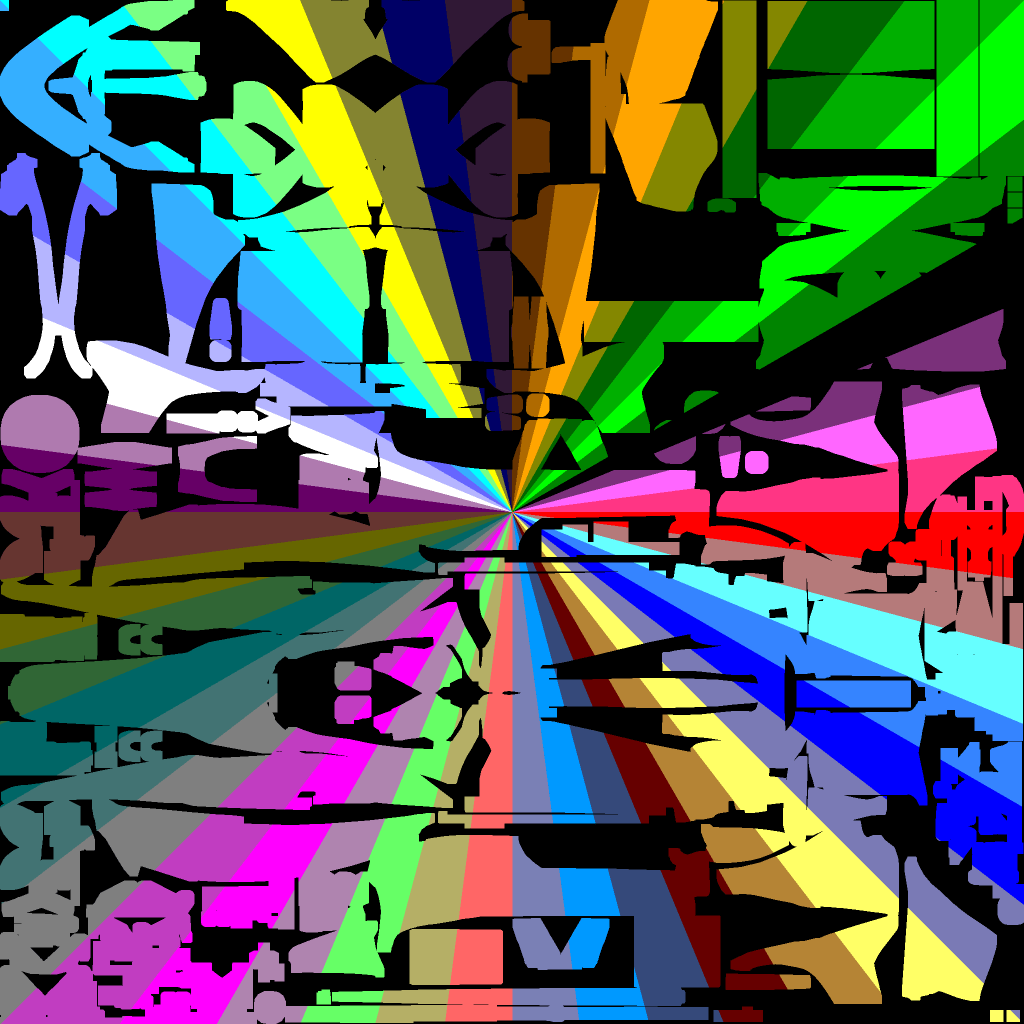
Each iRacing template image is separated into the various different segments that make up the car – for the Dallara IR18 shown below, there are more than 300 segments that need to somehow be combined. It’s like a very complicated 3D jigsaw puzzle!
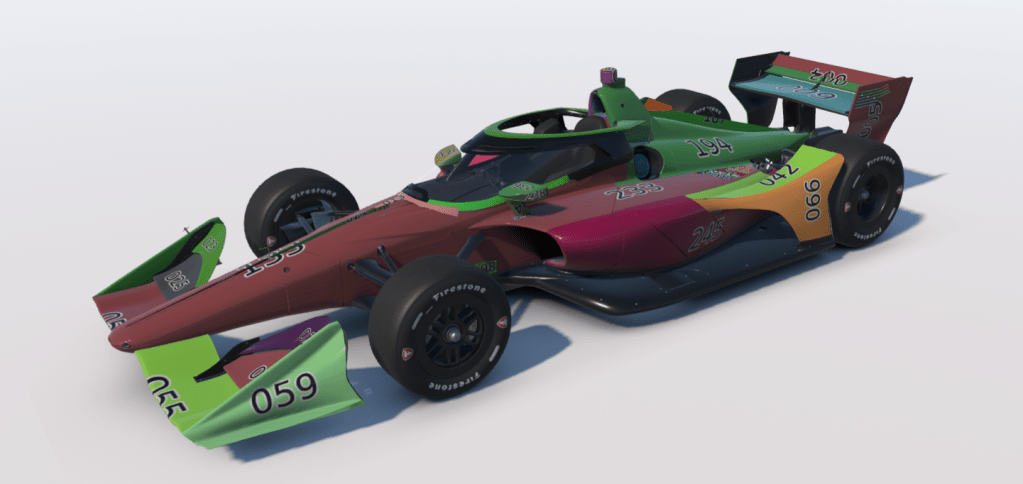
By looking at the iRacing car model viewer, we can start to see how these parts fit together.
The problem with segment edges
Given how complicated the iRacing templates can be, it is not trivial to make a great looking livery.
As an example, let’s try and make a livery out of the below image.
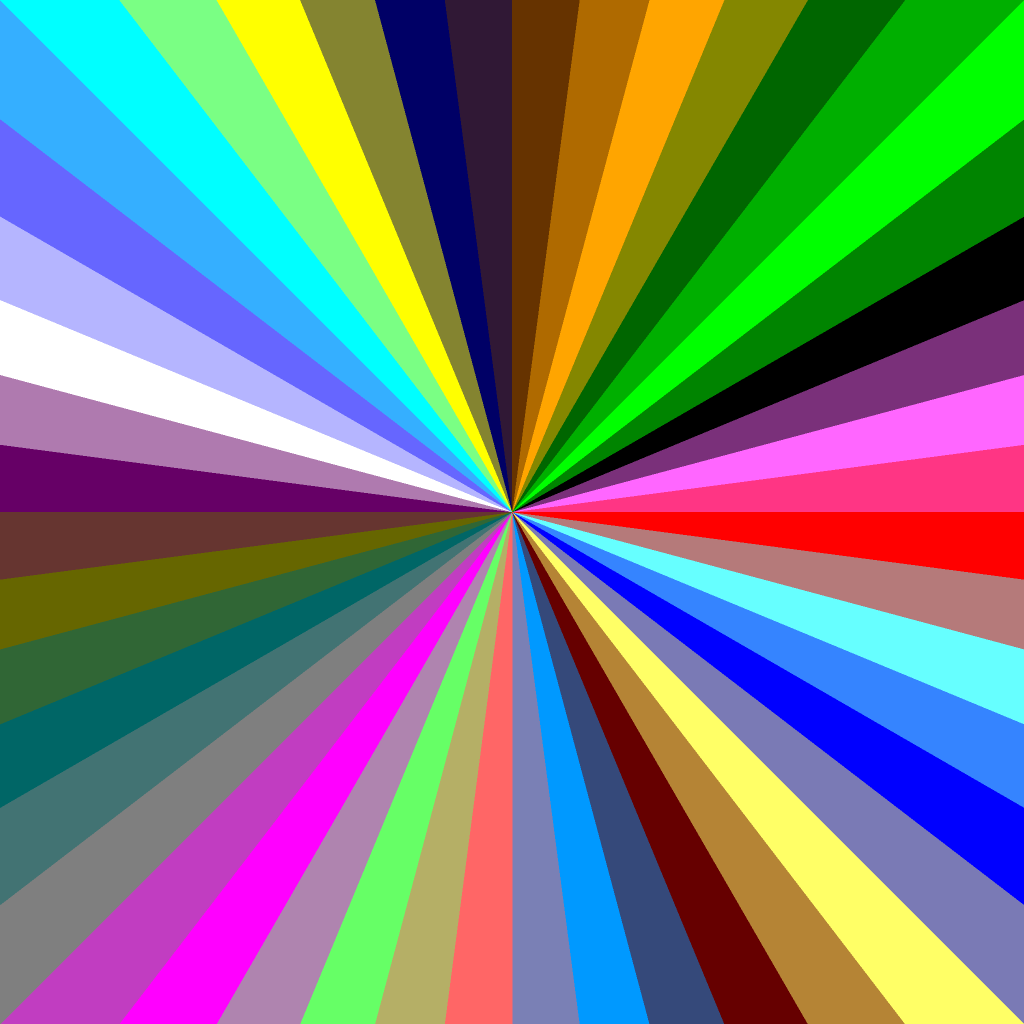
What we ideally want is for the middle of the image to be perfectly centred on the cockpit, and for the lines to seamlessly flow over the different car parts.
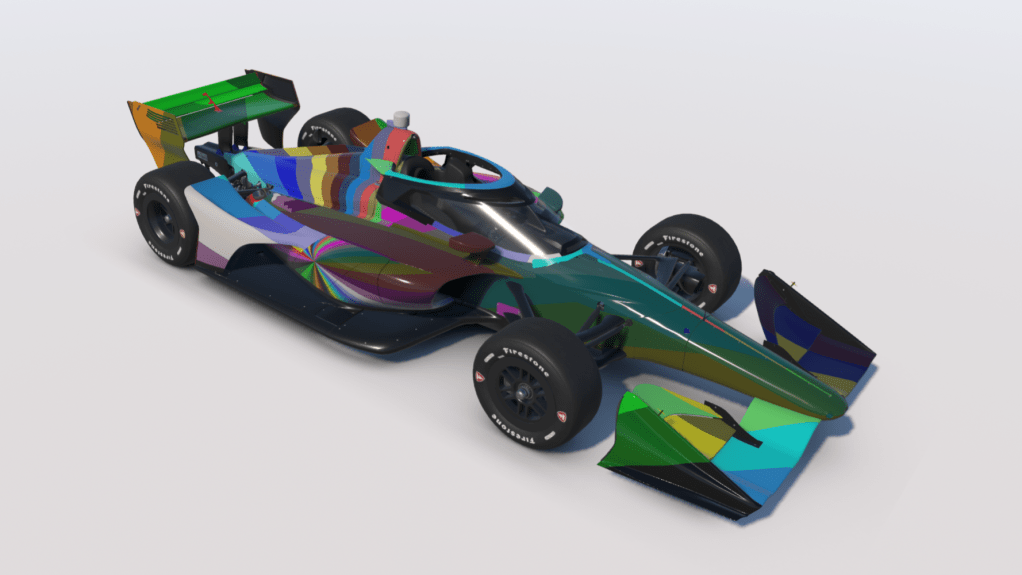
However, by default this will not be the case, because the car segments are randomly scattered, as shown below.
The resulting livery is a mess because the colours do not match or line up at the seems (edges) of the car segments.
The icarmap effect
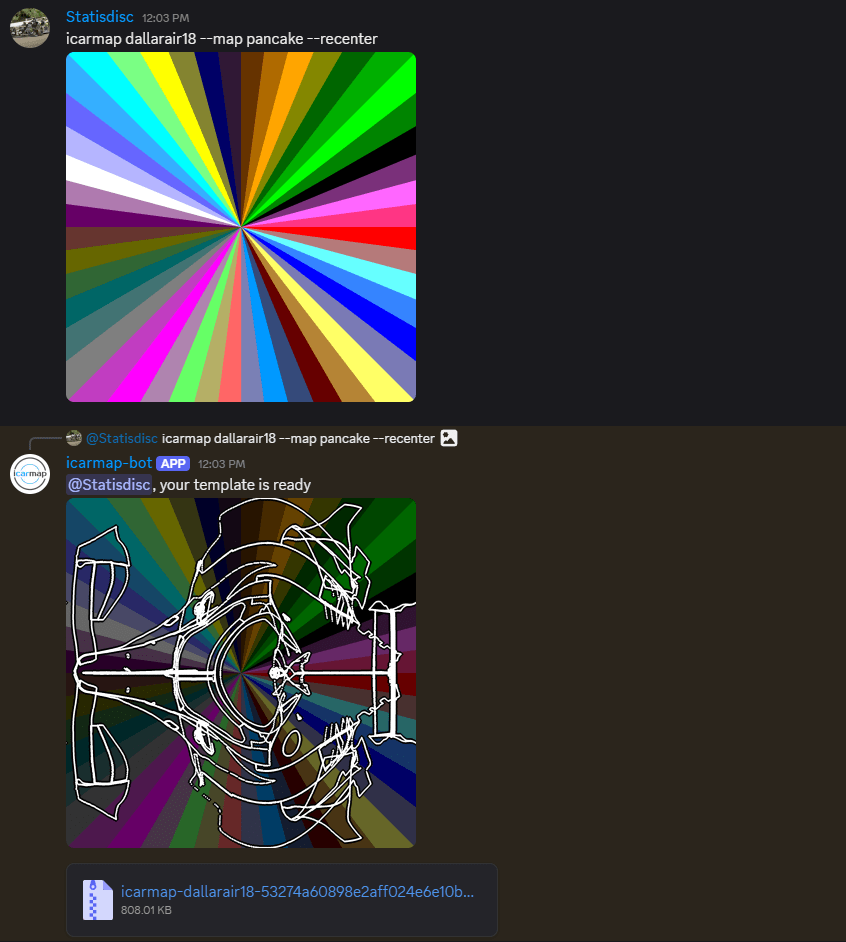
This problem is easily solved by the icarmap discord bot, which does all the hard work of mapping the pixels to where you want them to be in the car template.
In this case, we need the following command:
icarmap dallarair18
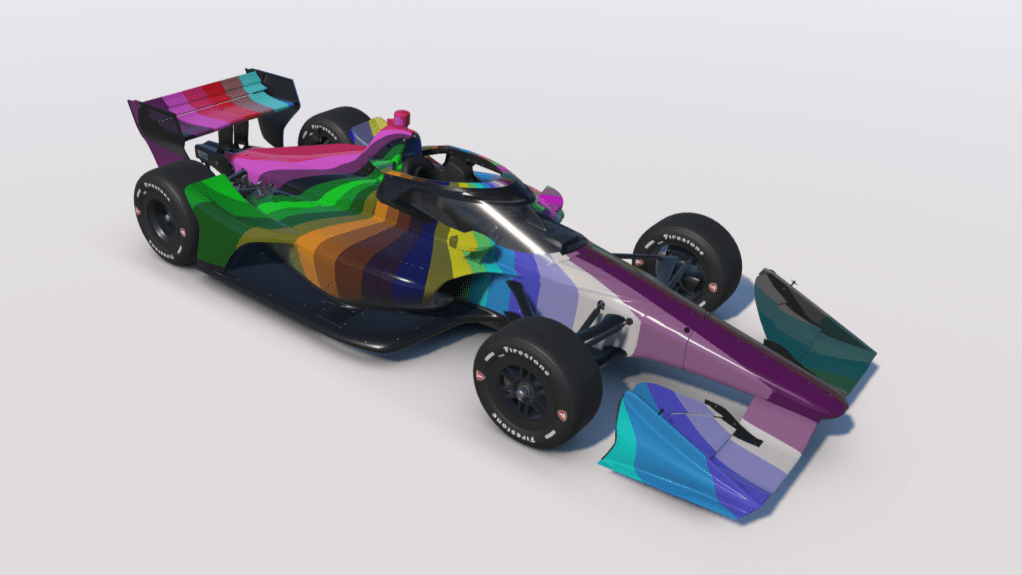
The result is a livery that looks smooth and cohesive from every angle.
Copy and paste
Once you are happy with your input image (which may take a few iterations or micro-adjustments), it only takes a few seconds to create the same livery for a new car!
For example, if you’ve been racing the Dallara IR18 for a few weeks and want a different challenge (like the classic Global Mazda MX-5 Cup), then all you have to do is jump back onto the icarmap discord server and re-run the command for the new car:
icarmap mx5_mx52026
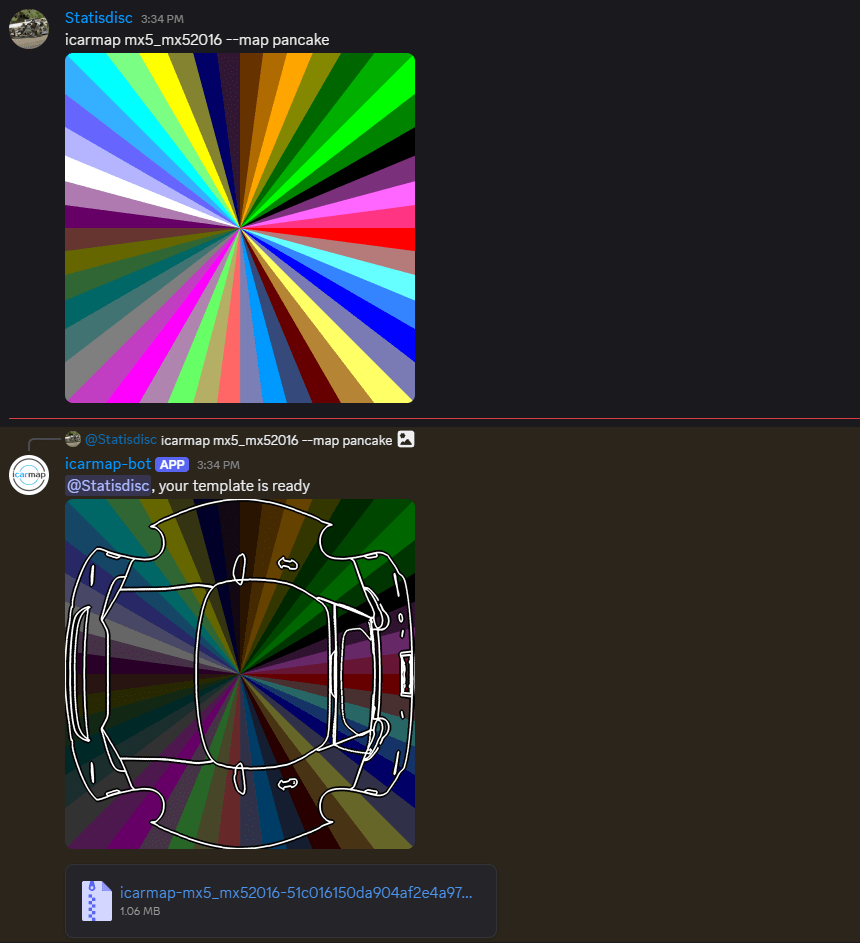
The result is another slick livery despite very little additional effort!
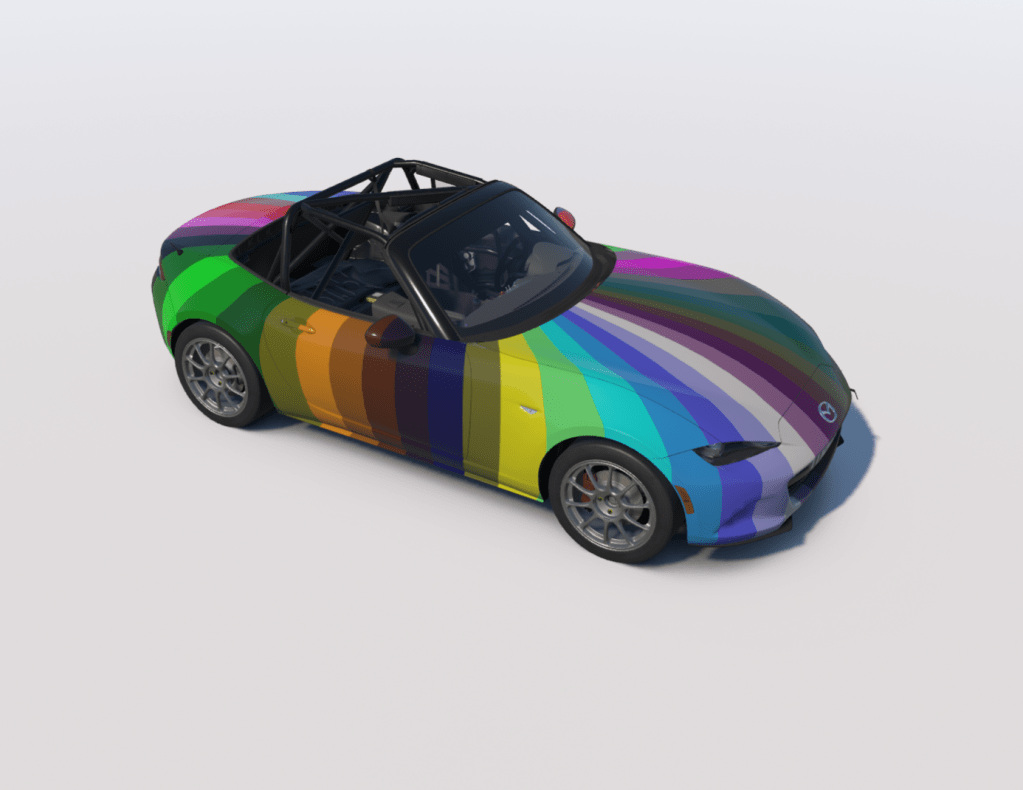
But why stop there? You could create the same livery for 10, 20, 30 cars or more!
icarmap for e-sports liveries
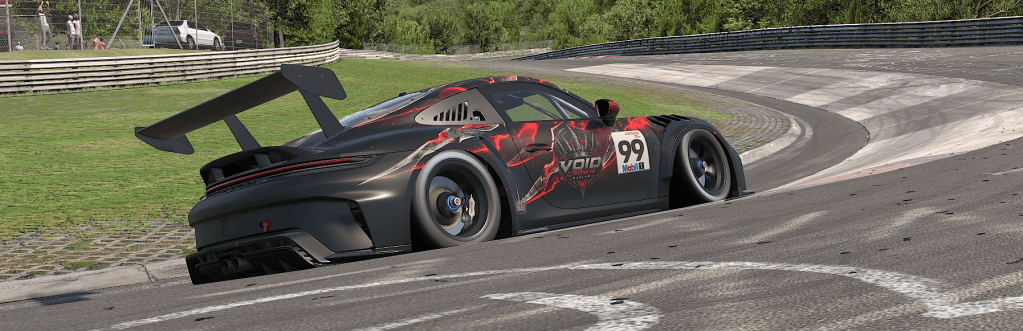
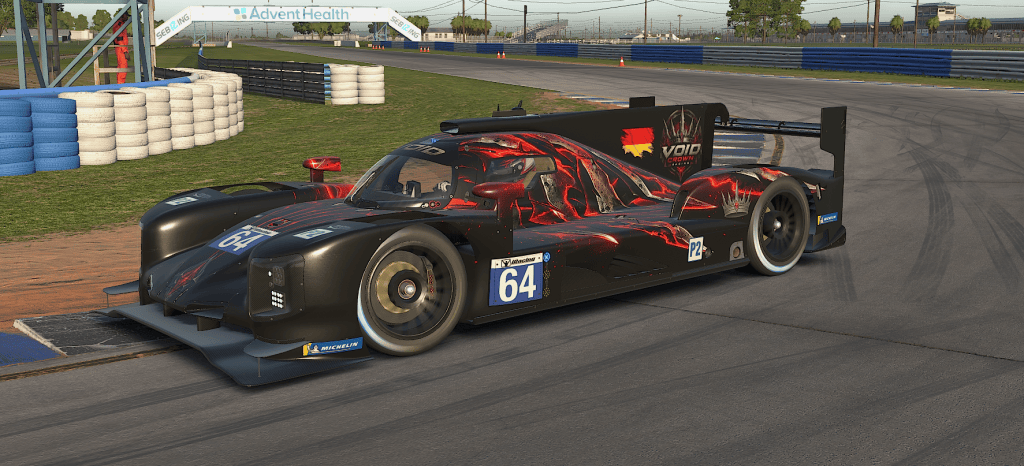
One of icarmap’s earliest adopters designed liveries for their e-sports team. Void Crown Racing compete in multiple different racing series and therefore require consistent and professional-looking liveries across all cars.
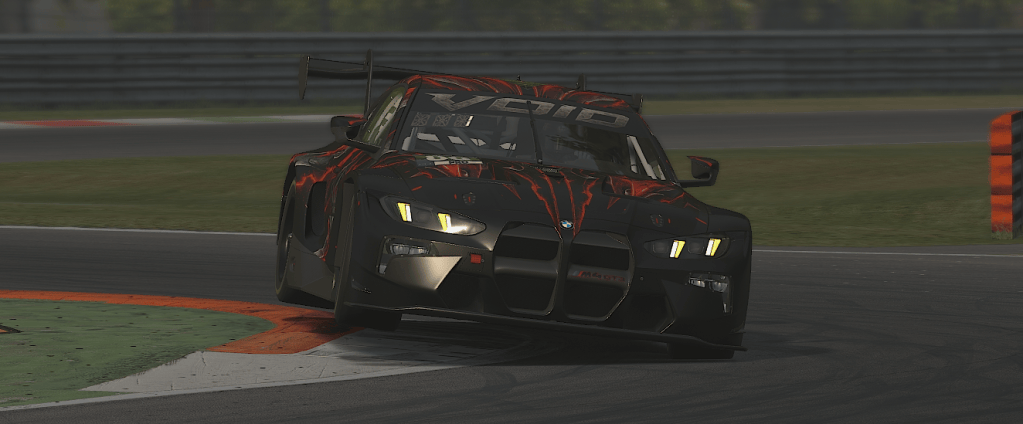
Prior to icarmap, it would take 1 week to create 1 livery per car.
By using icarmap, their first livery would still take several days due to the various micro-adjustments required to make a design perfect. But for every subsequent car, the additional work is less than an hour.
That’s a saving of 4 weeks of effort when applied to an e-sports team competing in 5 series!
Time saving all round
Whether you just want to create your first livery, or you’re an experienced designer that needs to roll out a fleet of consistent liveries, icarmap can help you save time and effort on your journey.
Start your own livery-making journey by signing up to the icarmap discord server.
For a quick tutorial of how to use the icarmap discord bot, check out this guide.


Leave a Reply