If you want to create a new iRacing livery without investing hours of your time then you’ve come to the right place. With icarmap you can make a livery in a matter of seconds, and best of all it’s free to use!
Step 1: Join the icarmap discord
To use the icarmap service, you must first join the icarmap discord server.
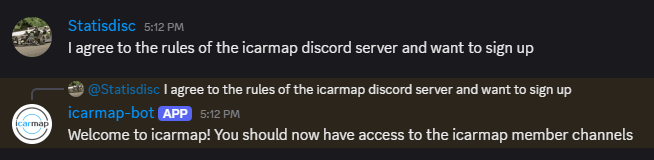
Once you’ve accepted the terms and conditions, you should have access to the discord channel called “#icarmap“.
Step 2: Create a livery using the icarmap bot
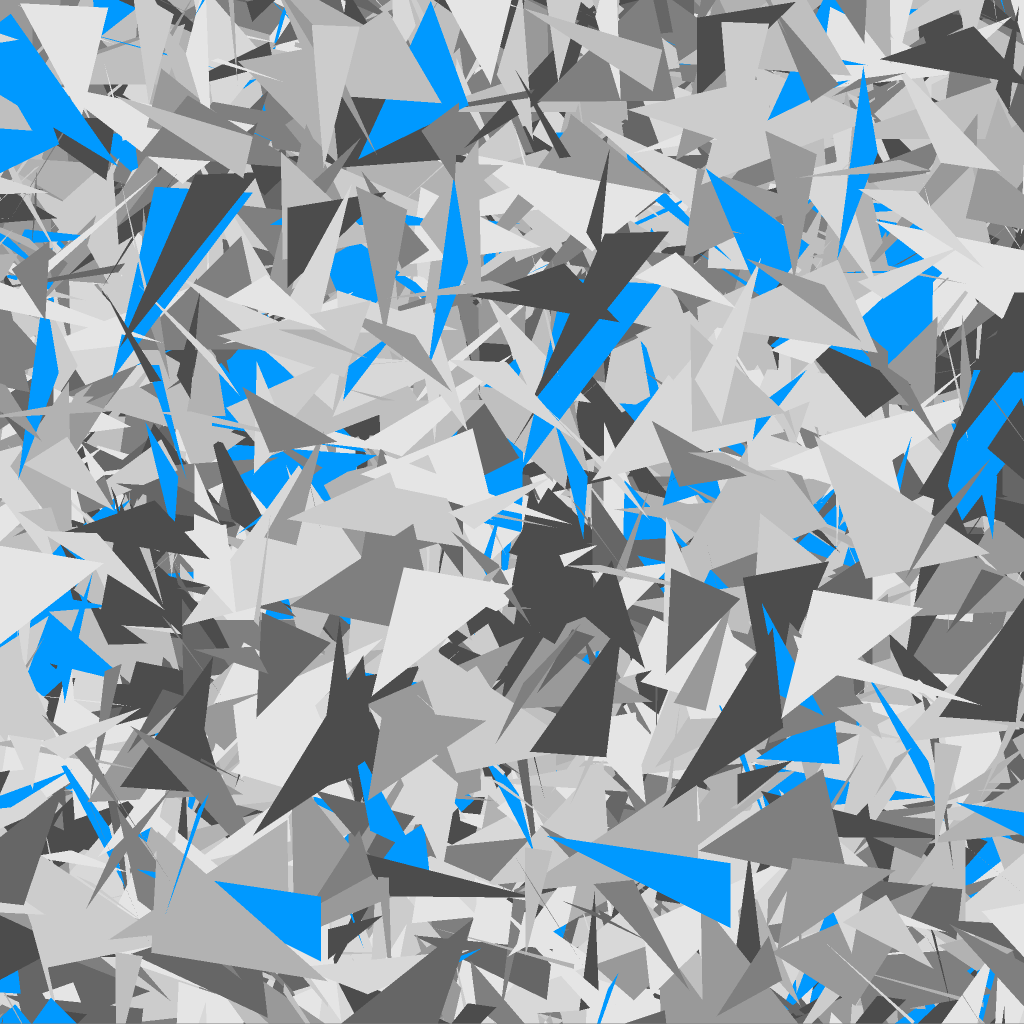
The icarmap discord bot takes an image that you provide and maps it to your chosen car to make a livery in seconds. In this example, we will map the below image.
The bot responds to commands that start with “icarmap”. Note that commands must be lower case – using “Icarmap” or “ICARMAP” will not work.
You then need to supply the iRacing folder name for your chosen car. For example, for the Formula Vee type
icarmap formulavee
If your chosen car has a space in the folder name then replace it with an underscore. For example, for the NASCAR Truck RAM use
icarmap trucks_ram2026
A full list of available cars and their identifiers is shown on the icarmap homepage.
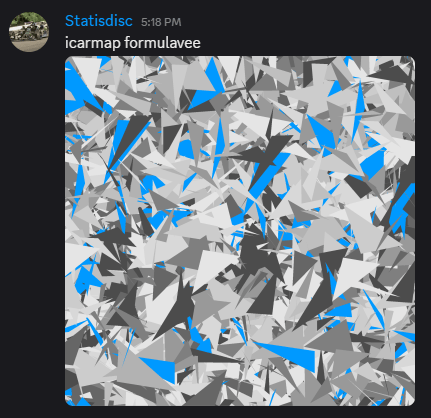
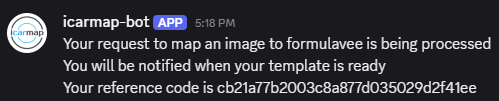
Add your image as an attachment to the discord message and press enter. You should receive a confirmation message saying that your request has been received.
Step 3: Download and use
You should receive your livery within a few seconds, although it can take a few minutes if the server is busy.
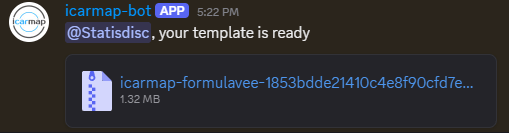
Download the provided ZIP file and extract the contents. You should find a file called “car_num_XXXXXX.tga” inside. Copy this file to your iRacing paints folder for the relevant car. For example, a Ferrari 296 Challenge paint should be placed in the Documents/iRacing/paint/ferrari296challenge/ folder.
You will also need to replace the “XXXXXX” in the file name with your unique iRacing ID.
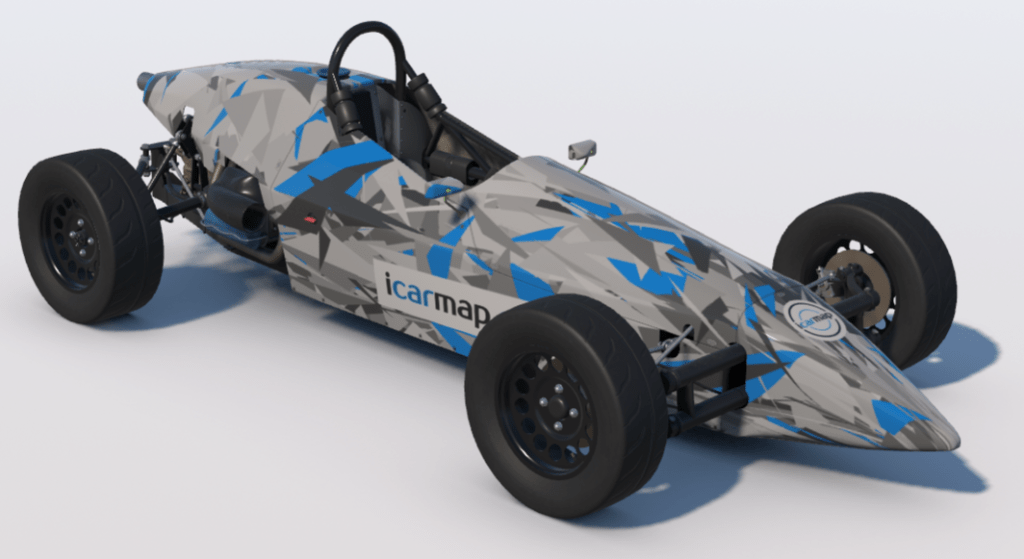
That’s it! You can view your livery in the iRacing model viewer.


Leave a comment